
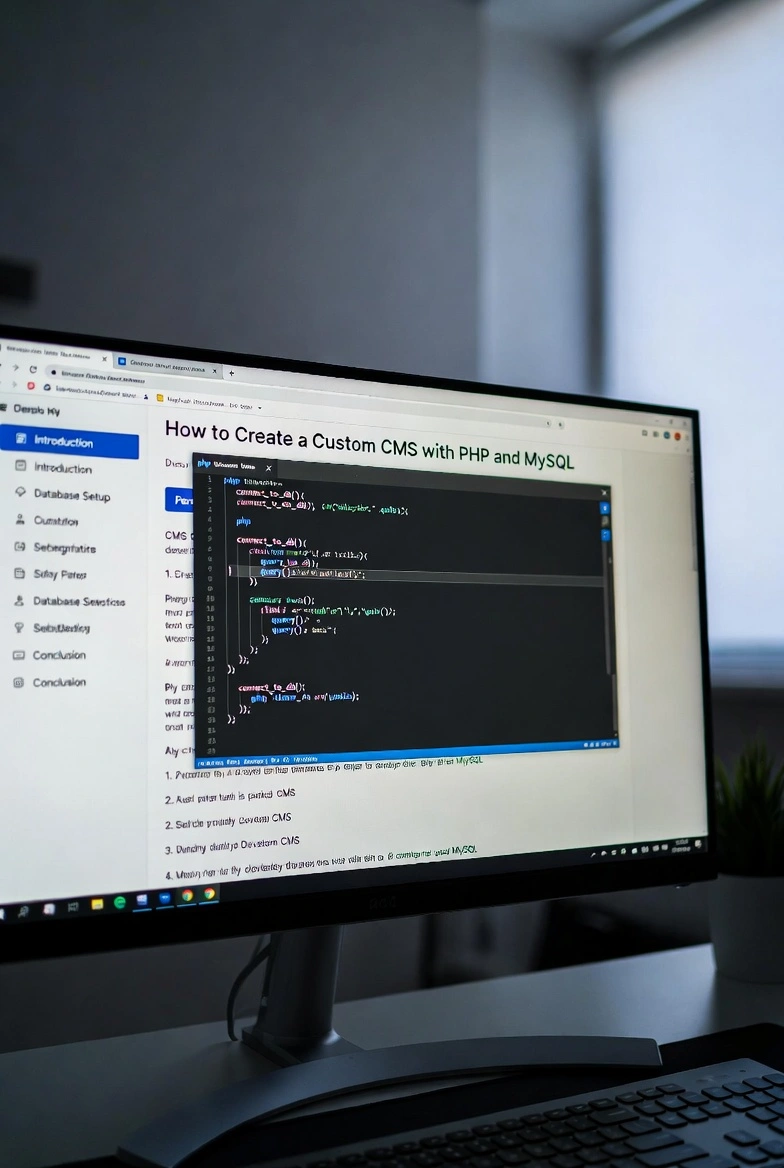
Creating a custom CMS gives developers full control over content management and system architecture. PHP and MySQL remain a reliable combination for building dynamic websites. A custom CMS allows flexibility, security, and scalability tailored to business needs. When designed correctly it becomes a powerful foundation for long term web projects.
1. Planning Your Custom CMS
Defining Project Requirements
Before writing any PHP code you must define the purpose of your custom CMS. Identify the type of content you plan to manage. Determine user roles, permissions, and workflows. Planning database structure in MySQL at this stage prevents structural issues later. A clear roadmap ensures your custom CMS remains organized and scalable.
Understanding user expectations improves usability. Decide whether your CMS will support blogs, products, media galleries, or multiple content types. PHP offers flexibility to design custom modules. MySQL stores structured data efficiently. Careful planning strengthens security and performance from the beginning.
Designing the System Architecture
Architecture defines how PHP interacts with MySQL. A structured approach separates presentation logic and database operations. Many developers follow MVC principles to organize a custom CMS. This improves maintainability and debugging.
Create a folder structure for controllers, models, and views. Configure database connections securely. Use environment variables to protect credentials. Structured architecture helps scalable development and simplifies future deployment.
2. Setting Up the Development Environment
Installing PHP and MySQL
To begin development install PHP and MySQL on your local machine. Tools like XAMPP or MAMP provide integrated environments. Configure Apache and test PHP execution. Ensure MySQL runs correctly and create a new database for your custom CMS.
After installation verify your setup with a simple PHP script. Establish a database connection using mysqli or PDO. Secure the connection with proper error handling. A stable development environment reduces unexpected issues during deployment.
Creating the Database Structure
Database design is critical for a custom CMS. In MySQL create tables for users, posts, categories, and settings. Define primary keys and relationships. Normalize data to prevent redundancy.
Use indexes to improve performance. Plan for scalability by anticipating future content expansion. A well structured MySQL database improves API interactions and enhances security. Clean schema design simplifies PHP queries and maintenance.
3. Building Core CMS Features
User Authentication System
Authentication is the backbone of a secure custom CMS. Use PHP sessions to manage login states. Store hashed passwords in MySQL using strong hashing algorithms. Validate user input carefully to prevent SQL injection.
Role based access control improves security. Admin users can manage content while editors have limited permissions. Secure authentication protects the database and ensures reliable deployment.
Content Management Module
The content module allows users to create, edit, and delete posts. Use PHP forms to capture input. Store content in MySQL tables with timestamps. Implement validation for clean data entry.
Develop a dashboard interface for managing content efficiently. Pagination improves performance when handling large datasets. Structured API endpoints can be added for future integration. A well built module strengthens scalability and long term maintenance.
4. Enhancing Security and Performance
Implementing Security Best Practices
Security should be integrated at every layer. Use prepared statements in PHP to protect MySQL queries. Sanitize user inputs and escape outputs. Enable HTTPS during deployment to secure data transmission.
Protect against cross site scripting and session hijacking. Limit login attempts to reduce brute force risks. Regular updates to PHP versions enhance security. Strong security policies maintain the integrity of your custom CMS.
Optimizing Performance
Performance optimization improves user experience. Cache frequently accessed data to reduce database load. Optimize MySQL queries using indexes. Minify assets and compress images for faster page loads.
Monitor server usage and analyze response times. Efficient PHP loops and structured code reduce execution time. Scalable architecture combined with optimized database queries supports high traffic growth.
5. Deployment and Future Scalability
Preparing for Deployment
Before deployment test your custom CMS thoroughly. Conduct functional testing and security audits. Configure production servers with updated PHP versions. Secure MySQL credentials and restrict database access.
Choose reliable hosting that supports PHP and MySQL. Configure backups to protect your database. Proper deployment ensures stability and long term reliability.
Planning for Scalability
Scalability ensures your custom CMS grows with user demand. Implement modular development for future features. Optimize API design to allow external integrations. Consider load balancing strategies for high traffic environments.
Cloud hosting improves flexibility. Monitor performance regularly and upgrade server resources as needed. Continuous improvement and structured maintenance keep your CMS competitive in evolving web development environments.
Building a custom CMS with PHP and MySQL requires thoughtful planning, structured architecture, and disciplined coding practices. PHP provides server side flexibility while MySQL ensures reliable database management. When security, performance, and scalability are prioritized the result is a powerful system tailored to specific business goals. A well developed CMS becomes a long term asset for web development projects.
Keywords
- PHP
- MySQL
- custom CMS
- database
- web development
- security
- performance
- scalability
- API
- deployment